Showing posts with label browser. Show all posts

Sunday, October 9, 2016

Canary Browser Has Stopped Working - Will Not Open

Canary browser stops opening try Chrome 64 portable.
Try Chrome 64 Browser

Canary browser can suddenly stop working on some laptops and PCs. There seems to be no fix for this issue. Believe me I have tried everything, old restore points, choosing Windows 8 compatibility, uninstalling/reinstalling both Canary and Chrome - nothing works. Oddly, I have another laptop and PC and Canary browser continues to work on them.
Chrome 64bit portable
Ah well, we will have to move forward. Windows 10 is c..p anyway. Are you aware that Windows 10 has been completely rewritten since the free upgrade. It looks the same but it is as different as IOS. 

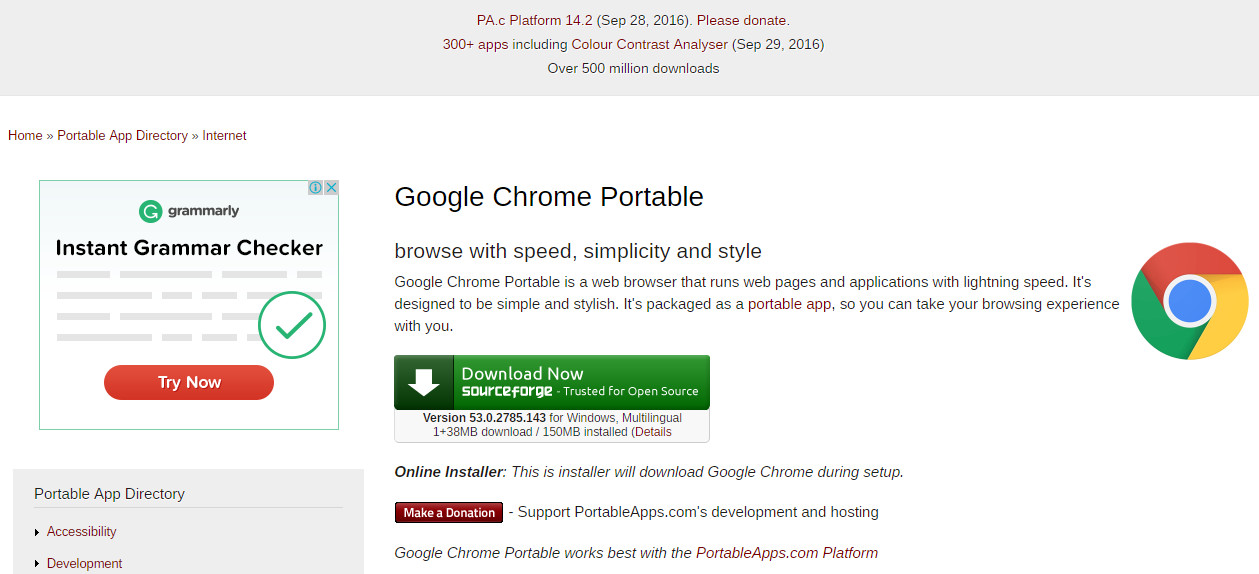
I recommend you download and try Chrome 64 Portable. Yes there is a 64bit version out there.

     The download link is on the Portable Apps webpage.

     The direct download link is here


I hope your computing is bug free.
Good Luck!


Thursday, March 13, 2014

Get to Google faster. Update your default search engine. Sure. No thanks. How to Stop it.

                                  
There is an easy way to stop getting the,

 "Get to Google faster. Update your default search engine.  Sure. No thanks."

message at the top of the Google start page.
...................................................................................

A lot of old stuff still exists out there.  There is an ancient URL for Google that was once used to get to iGoogle.  This URL can be modified to your region and the "Get to Google faster" nuisance message does not appear.


As an example the usual URL for Google Australia is "https://www.google.com.au/".  The nuisance nag always shows at the top of the Google page when I start Internet Explorer.

If I use the URL "http://www.google.com.au/webhp?nord=1" as the start page the nag message does not appear, but the normal Google au search page appears.

Just modify the URL for your region.

If you are in the uk use the URL "http://www.google.co.uk/webhp?nord=1".

No need to download  Adblock 1.3.10. and enter "##DIV#mgmhppd" as a new filter rule.

Just use the URL as set out above.

There we have it.

Happy Interneting
                           Ty
Internet by Ty Buchanan